22/10/2026 05:12
Recorded Demo or Live Printing? YouTube Premieres for Cambodian Screen-Printing Workshops
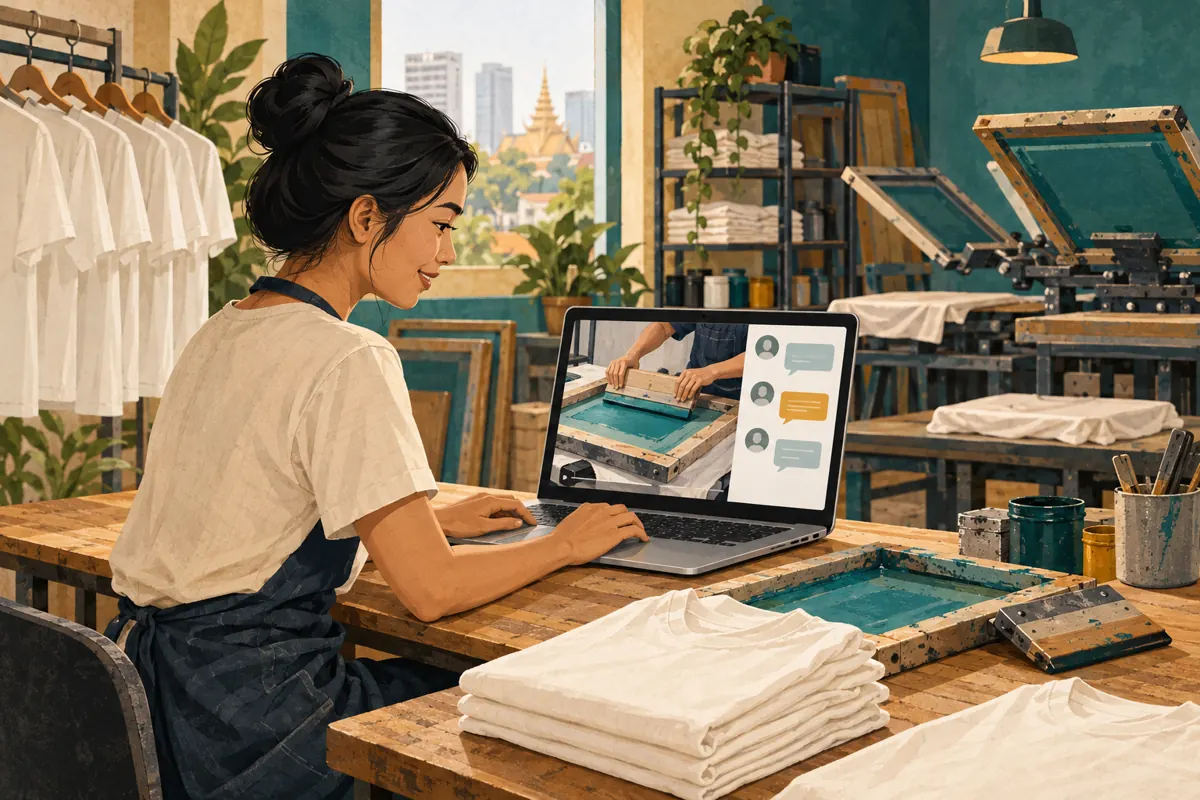
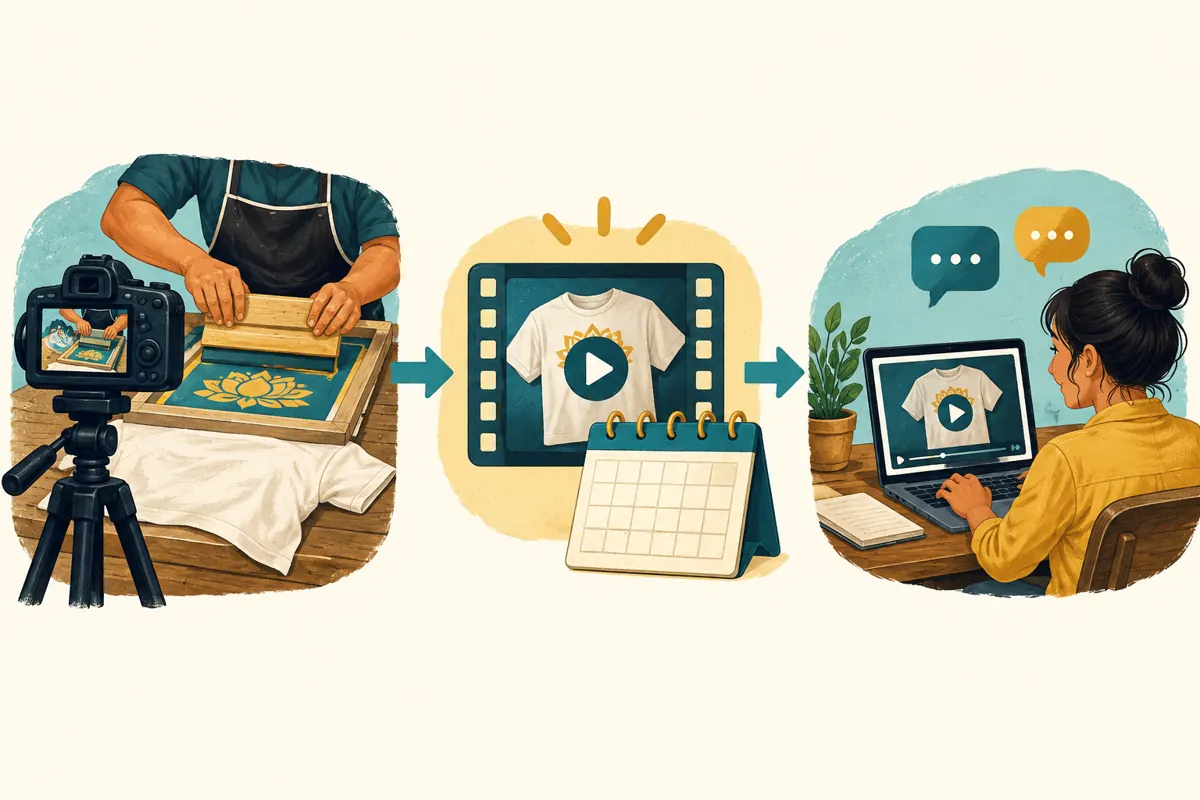
A shirt-printing demonstration can be carefully recorded while the conversation around it happens live. For a Cambodian workshop, that creates a useful opportunity: show a clear explanation of artwork preparation or print placement, then have someone available to answer questions as people watch. A YouTube Premiere supports this shared viewing format. However, customers need to understand what they are joining. A recorded demonstration cannot change direction when someone requests another fabric, and a chat response does not confirm a production booking. This guide explains how to prepare the event, promote it honestly and decide where an SMM-panel request does—or does not—fit.
1. Decide whether the demonstration needs a shared viewing event
Start with the question customers repeatedly ask. A hypothetical Phnom Penh screen-printing workshop might receive enquiries about whether a small chest design and a large back design require the same preparation. A focused demonstration could show the two placements, explain what information the workshop needs and invite viewers to ask general questions. The reason to gather people at one time is the available conversation, not merely the arrival of another video.
Choose a Premiere when a completed recording benefits from staff answering questions alongside it. Choose an ordinary upload when customers mainly need an explanation they can consult whenever convenient. Consider a separate live demonstration when the central promise requires responding on camera to requests. Write the intended benefit in one sentence before choosing the format. If that sentence only says that the event should look busy, reconsider the plan.
2. Explain what is recorded and what happens in real time
YouTube describes Premieres as a way to watch a new video together. The uploaded recording plays during the event, while viewers and the creator can interact through chat. A public watch page exists beforehand, and the video remains a regular upload afterward. These mechanics are documented in YouTube’s Premiere help page, listed in the sources.
For the hypothetical workshop, a clear invitation would say: “Watch our recorded guide to chest and back print placement. Our team will answer general questions in chat during the Premiere.” Avoid promising that the printer will demonstrate whatever viewers request. Also distinguish a question session from a consultation: the team may explain how to measure a print area, but approving a particular artwork file requires a separate review. This wording helps both customers and staff understand the commitment.
3. Build the recording around a decision customers can make
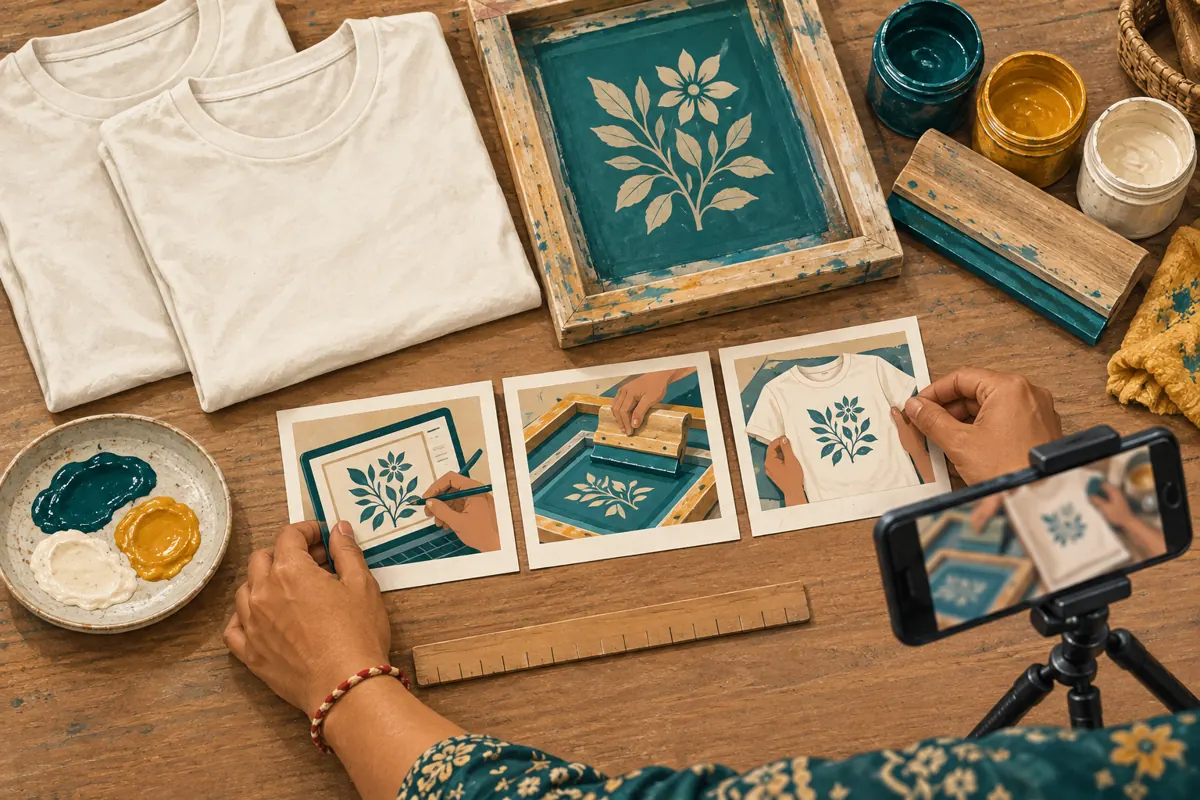
Give the video one practical outcome: after watching, a customer should know what to send when requesting a placement quote. Prepare a simple sequence showing the blank garment, the intended print area and the information required for a review. Use a sample design owned by the workshop or cleared for demonstration. Remove customer names, phone numbers and private order paperwork from the filming area.
Explain the conditions visible in the sample. Identify the garment type and distinguish the demonstration from a promise about every fabric or design. If editing removes preparation or waiting periods, acknowledge those omissions so viewers do not mistake the finished video length for production time. For Cambodian customers who prefer Khmer, use a Khmer explanation checked by a fluent reviewer. Keep technical loanwords consistent, and show the relevant object whenever a term could be ambiguous.
4. Prepare the Premiere and check the public destination
In YouTube Studio, upload the finished video, complete its details, choose Schedule, set the date and time, and select Set as Premiere. Configure the countdown if appropriate, then schedule. YouTube currently says Shorts and output above 1080p are not supported for Premieres. Check the official instructions before preparing the final export.
Open the resulting public watch page on another device before sharing it. Check the title, thumbnail, description and displayed event time. Write “Cambodia time” in your promotional message and include the date rather than relying on “tomorrow.” Remember that the scheduled start begins the countdown; the demonstration follows it. Keep one approved watch-page address in the team’s event note. This prevents a colleague from accidentally sharing a channel homepage or a different sample video when sending invitations.
5. Invite people with a useful reason to attend
Build the invitation around the uncertainty the recording resolves. For the hypothetical placement demonstration, show a sample shirt with the proposed areas clearly visible and explain that attendees can ask how to prepare their own measurements. Include the event date, Cambodia time, the recorded nature of the demonstration and the watch-page link. Only distribute invitations through channels where the workshop is entitled to post or where recipients expect its updates.
YouTube’s Premiere tips recommend promoting the advance watch page and being present for the conversation. Translate that into a manageable local plan: publish one clear announcement, then a relevant reminder where appropriate. Do not promise that setting a reminder guarantees someone will attend. Avoid filling unrelated groups with repeated links. If a partner shares the invitation, give them the approved wording so a recorded guide is not accidentally advertised as a live printing service.
6. Give the chat host a practical answer sheet
Assign someone who can explain the workshop’s process without interrupting active production. Prepare short answers to likely questions: what artwork information is needed, how customers should indicate placement and which details require inspection before quoting. Include an honest fallback: “We need to review your garment and artwork before confirming that.” A useful host identifies uncertainty instead of improvising promises to keep the conversation moving.
YouTube recommends moderating Premiere chat and involving viewers with relevant questions. A workshop could ask which preparation step needs more explanation, then answer in plain language. Keep a separate list of questions requiring follow-up rather than copying entire conversations into an order record. If the host cannot attend, update the invitation before the event. Do not leave an advertised staff question session unattended and assume the recorded video fulfils that promise.
7. Separate public learning from private quote requests
Public chat is suitable for questions such as whether print placement should be measured from the collar or a garment edge. It is a poor place to collect someone’s phone number, delivery address or confidential artwork. Tell customers which established private enquiry channel the workshop uses and what to prepare there. Do not ask them to post personal details publicly to prove they are serious.
For a hypothetical enquiry, request the garment type, desired placement, artwork and required completion date through that private route. Explain that a request remains unconfirmed until the workshop reviews it and agrees the terms. Keep any quote currency, collection arrangement and delivery charge explicit in the private discussion. YouTube says live chat is available on its watch pages rather than embedded players, so direct people who want the conversation to the watch page itself.
8. Make the SMM-panel decision before spending
An SMM-panel catalogue entry is not a Premiere hosting plan. The supplied public catalogue includes “YouTube Like ~ Max 50k ~ 50k/days ~ Instant ~ 𝐍𝐎 𝗥𝗘𝗙𝗜𝗟𝗟”. Its name labels it as a YouTube likes service, but the supplied description is empty. The wording does not establish delivery conditions, Cambodian audience origin, authentic interest or suitability for a particular video. Treat the embedded speed and quantity wording as catalogue claims, not verified outcomes.
YouTube’s fake engagement policy prohibits artificially increasing engagement metrics and warns that a hired promoter’s actions can affect the channel. Reject a proposed service if its method depends on artificial engagement; an unclear method is a reason to pause, not assume compliance. Purchased likes cannot demonstrate attendance, sales, ad delivery or Cambodian viewers. For this workshop, production clarity, accurate invitations and a prepared host provide a more defensible basis for the event than a requested engagement total.
9. Prepare a fallback that preserves the promise
Before announcing the event, decide who will communicate a change if the recording is wrong or the assigned host becomes unavailable. Keep the approved invitation and a short correction message together. If a demonstration contains a material error about what the workshop can supply, resolve it before encouraging more people to watch. A small correction hidden in a later conversation may not reach viewers who rely on the recording.
If the host loses connection, another prepared colleague can handle general questions if available. Otherwise, acknowledge the interruption through the workshop’s established communication channel and provide a realistic follow-up arrangement. Avoid promising immediate answers after every event. A small business should choose a response commitment it can maintain while completing customer work. The fallback should explain how unanswered questions will be handled, without suggesting that a technical interruption confirms or cancels anyone’s order.
10. Make the recording useful after the event
Once the Premiere finishes, YouTube retains the video as a regular upload without the countdown. Review the description and any promotional wording that now sounds outdated. A customer arriving later should understand the subject without believing staff are currently waiting in chat. Give them a clear route for current questions and quote requests.
Turn recurring misunderstandings into a better explanation. If viewers repeatedly confuse garment width with print width, prepare a separate close-up showing both. Record the question in general terms without exposing the customer who asked it. Review practical outcomes separately: questions answered, missing quote details and follow-up work completed. A viewer may learn something useful without buying, and an enquiry may arrive through another route. Neither a like total nor a busy-looking chat establishes that the Premiere generated a sale.

Frequently asked questions
Can we change the printing demonstration when someone asks a question?
The Premiere plays the recording you prepared. The host can explain an answer in chat, but cannot make the recorded printer demonstrate a new request. If a question needs another visual example, note it for a follow-up recording. Advertise a separate live demonstration only when the workshop is prepared to deliver one.
Should a small workshop use a Premiere for every new video?
No. Use the format when gathering viewers and staffing the conversation adds something useful. A simple reference guide may serve customers better as an ordinary upload. Consider the preparation and hosting time as part of the decision, especially when the same staff also handle production and enquiries.
What should the host do when nobody asks a question?
Introduce a genuine common question from the workshop’s experience and explain it without pretending a viewer just asked. Do not invent attendees or customer praise. Keep the agreed hosting commitment, then assess whether the topic, invitation or timing needs improvement. Quiet chat alone does not establish that the recording was unhelpful.
Can an SMM order guarantee local attendance at the Premiere?
No such guarantee is supported by the supplied service data. A likes service is not evidence of viewers attending at a specified time, living in Cambodia or wanting printed shirts. Review the proposed method against YouTube’s rules before any spending, and reject artificial engagement rather than using its totals as audience evidence.
How can we tell whether the event helped quote enquiries?
Ask enquirers which explanation they used and record their answer without pressuring them. Check whether they now provide clearer placement instructions or fewer missing details. Keep this feedback distinct from confirmed orders and payments. Describe it as observed enquiry feedback, not proof that every later sale came from the Premiere.
Explore the current service catalogue, create an account, or ask a specific question through support tickets.
- YouTube Help: Premiere a new video
- YouTube Help: YouTube Premiere tips
- YouTube Help: Learn about live streams
- YouTube Help: Fake engagement policy
Prepared with AI assistance. Illustrations explain the workflow and do not represent customer results.