21/10/2026 00:55
Plays on YouTube but Not Your Website? Embed Checks for Cambodian Mosquito-Net Shops
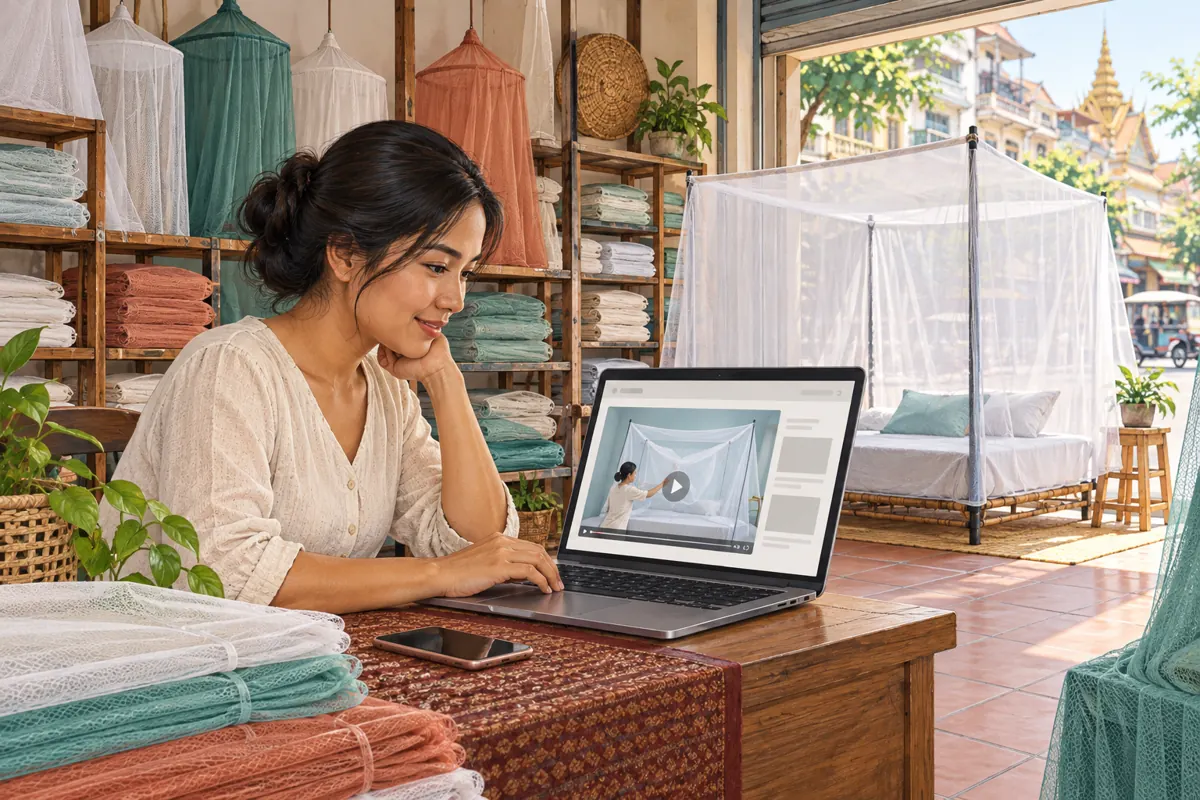
A mosquito-net demonstration can explain an opening, frame shape or folding method more clearly than a product photograph. But when a Cambodian shop promotes a webpage containing that demonstration, the video must work where customers actually arrive. A successful playback inside the owner’s YouTube account does not establish that the shop’s webpage works for visitors. This guide follows a hypothetical Phnom Penh retailer preparing a product page for social promotion. It shows how to check the viewing route, investigate playback failures and decide whether promotion is ready, while keeping SMM service claims separate from evidence of customer interest.
1. Define the buying question before testing the player
In this hypothetical example, the retailer sells several rectangular mosquito nets. Shoppers repeatedly ask whether the opening faces the foot of the bed or its side. The shop has filmed one model and placed its YouTube demonstration beside the product description. The immediate purpose is specific: help visitors identify the opening and send an enquiry about the correct model.
Write that purpose into the promotion brief. Record the model shown, the webpage containing the demonstration and the direct YouTube watch link. Ask a colleague to describe what the video helps a buyer decide. If their answer concerns a different model or feature, resolve that mismatch first. A functioning player cannot rescue a demonstration that answers the wrong question.
Keep claims limited to what the footage establishes. Showing a zip opening does not establish durability, suitability for every bed or any health outcome.
2. Keep the webpage and video identities separate
An embedded video appears within a webpage, but the webpage address and YouTube video address serve different purposes. In your working notes, give each its own field. Add a third field for the destination used in the social post. This makes it possible to identify whether a complaint concerns the product page, the video itself or a mistaken promotional link.
For the hypothetical shop, the promotional destination is the product page because customers need the model information beside the demonstration. A direct video link remains useful as an alternative viewing route. Neither should be substituted silently in a service request or campaign brief.
Use a descriptive internal reference such as “rectangular net, side opening, current demonstration.” Avoid relying on a thumbnail alone: two models may look almost identical when folded. Before promotion, compare the actual opening shown in the video with the product photographs and available stock.
3. Check visibility and embedding permission
YouTube distinguishes public, private and unlisted videos. Public videos are viewable by anyone; unlisted videos can be watched and reshared by anyone with the link. Private videos have restricted access. An unlisted link therefore should not be treated as confidential. See [YouTube’s privacy settings guidance](https://support.google.com/youtube/answer/157177).
For a general retail demonstration, choose visibility deliberately rather than accepting whatever setting an earlier reviewer used. Remove internal pricing discussions or customer details before making the material available to shoppers. A staff review copy and an approved customer demonstration may have different purposes.
For your own upload, open YouTube Studio, select Content, open the video’s Details and expand Show more to review Allow embedding. YouTube’s official embedding guide documents this control. Keep a note of who checked it and when. If a supplier owns the upload, ask that supplier about permission instead of assuming your website editor can change the video’s settings.
4. Give the website editor a precise handoff
YouTube’s desktop sharing workflow provides embed code through Share and then Embed. Give that code, the approved watch link and the intended product-page location to the person responsible for the website. The official instructions are in [Embed videos and playlists](https://support.google.com/youtube/answer/171780?hl=en).
Specify the surrounding content too: the model name, what the demonstration covers and the enquiry action beneath it. Ask for a visible alternative link to watch on YouTube. This gives customers another route if the embedded player fails, without asking them to search for the upload themselves.
Request a page preview before the promotion starts. Check that the player does not cover product options, that its controls remain usable on a phone and that the enquiry button belongs to this product. The handoff is complete when the editor returns the actual page for review, rather than merely confirming that a video block was added.
5. Test the journey from the promotional link
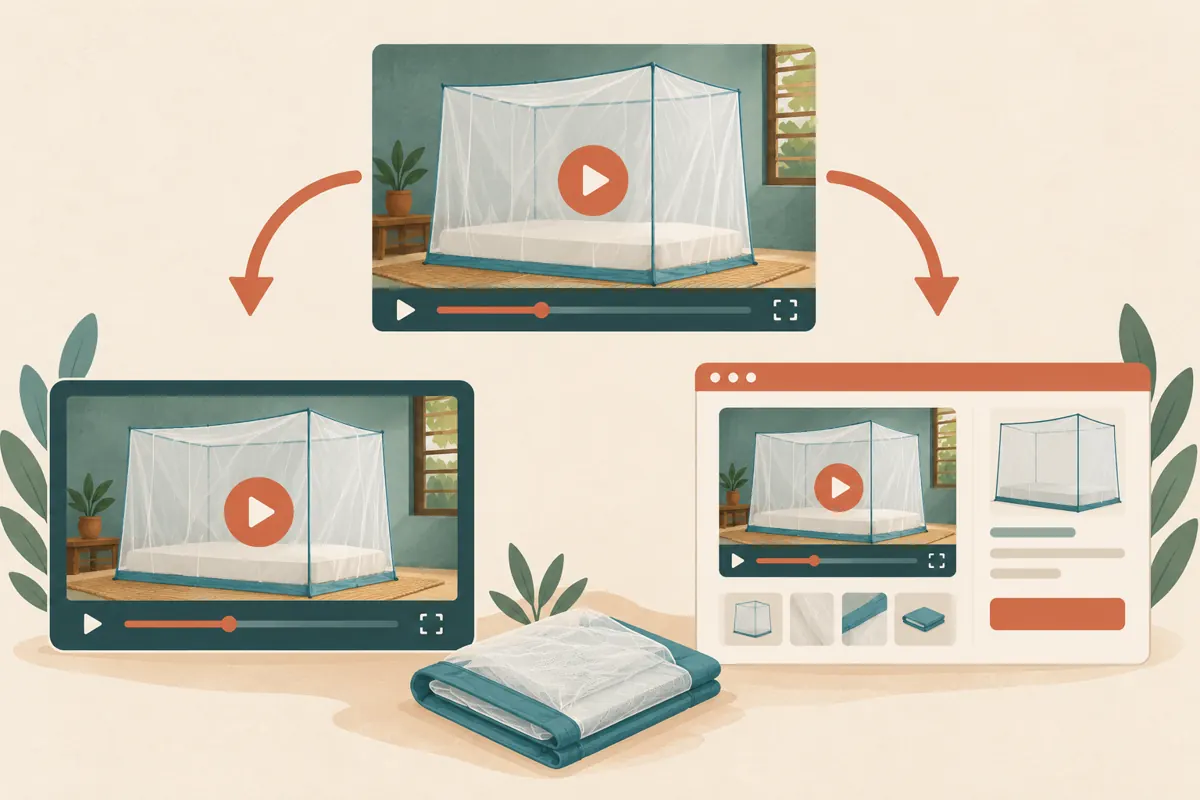
Start from the exact link customers will receive. Open it on a phone without relying on the owner’s signed-in session. Where practical, compare a normal mobile browser with the browser opened inside the social app used for promotion. Record which route you tested so another staff member can repeat it.
Tap play, check the opening scene, pause, resume and try the available full-screen control. Listen to the narration and inspect any captions. Then return to the product information and attempt the enquiry action. A player that works but leaves the buyer unable to identify the model still needs attention.
Repeat on another connection if playback stalls. Treat that comparison as troubleshooting evidence, not proof that all Cambodian customers will have the same experience. Keep the written product explanation useful even when someone chooses not to play the video. Do not make watching compulsory before a customer can ask a question.
6. Route errors to the person who can resolve them
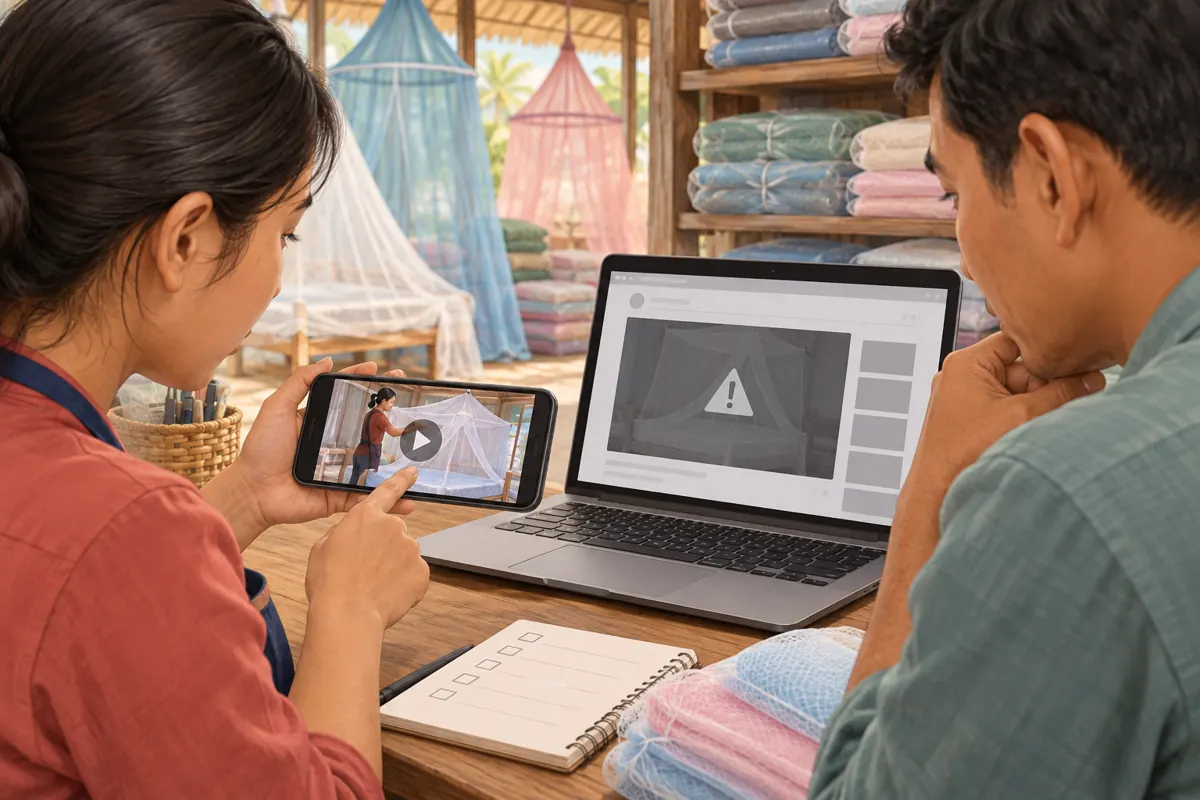
Compare the direct YouTube watch page with the embedded player. If both fail, investigate the video’s availability first. If direct playback works but the product page fails, send the website editor the page address, device, browser and exact error. This comparison narrows the investigation without pretending to identify every possible cause.
YouTube’s player documentation identifies errors 101 and 150 with an owner’s restriction on embedded playback. Error 100 can indicate a removed or private video. Error 153 concerns missing HTTP Referer information or equivalent client identification. That last issue belongs with the website implementer; buying views cannot repair it. See the [YouTube player API reference](https://developers.google.com/youtube/iframe_api_reference).
In the hypothetical shop, staff send a short report: the approved video plays directly, but the product page displays a recorded error on the tested phone. They keep the direct viewing alternative available and delay the webpage promotion until the editor returns a working version.
7. Help customers understand the demonstration
Playback is only the first acceptance check. Ask someone unfamiliar with the stock to watch the demonstration and identify the net’s entrance, supporting structure and packed form. If they cannot distinguish the illustrated model from another product, add a clearer introduction or surrounding explanation.
For Cambodian customers who use Khmer, provide a checked Khmer explanation where appropriate to the shop’s audience. Keep model codes consistent across languages. State measurement units explicitly and distinguish mattress dimensions from the net’s dimensions. These editorial choices do not require changing the website’s language configuration.
Invite a useful next message: ask the buyer for the model reference and the measurement needed to assess fit. Request only relevant details. A clear product question is more useful than a generic instruction to send a message, because staff can respond without first rebuilding the context.
8. Review SMM services against the actual task
A catalogue entry cannot establish that a product-page video works. One public service name supplied for bongsmm.com is “YouTube Social Shares from Twitter.” Its title describes a sharing-related offering, but the supplied entry has no description. It does not provide evidence about placement, method, audience location, genuine interest or compatibility with this webpage workflow.
If considering a service, ask what destination it accepts and what activity it actually provides. Do not infer that a service referring to YouTube accepts the shop’s product-page address. Do not infer Cambodian viewers from the shop’s own location. If the method remains unclear, leave the request unsubmitted.
YouTube prohibits artificial increases in engagement metrics and warns that a hired promoter’s actions can affect the channel. Review the method against its [fake engagement policy](https://support.google.com/youtube/answer/3399767?hl=en). Purchased engagement is not evidence of genuine interest, sales, advertising delivery or Cambodian users. No service label supplies official platform affiliation.
9. Separate technical acceptance from business results
Use two small records. The technical record says whether the approved page displayed the correct video and whether the enquiry route worked on the tested devices. The business record captures genuine questions about opening position, dimensions, stock and collection. Avoid copying unnecessary customer details into shared review notes.
For a hypothetical example, a shopper might ask whether the demonstrated entrance can face a narrow walkway beside the bed. That question suggests an information need worth addressing. It does not establish that the shopper purchased, or that every other viewer had the same concern.
Choose a review date before promotion begins. At that review, decide whether to clarify the product explanation, improve the page or continue the same approach. If an SMM order exists, keep its delivery record separate. A delivered service quantity cannot prove that the embed worked or that customers understood the demonstration.
10. Avoid fixes that hide the underlying problem
A common mistake is repeatedly replacing the video link without recording which upload belongs on the page. Another is testing only on the shop’s laptop. Both can create false confidence. Preserve a simple record of the approved video and repeat the visitor test after any replacement.
Do not use autoplay as a substitute for a clear invitation to watch. YouTube states that autoplayed embedded videos do not increment video views. More importantly for this workflow, automatic movement does not demonstrate that a customer chose to inspect the net. Let the page explain what the demonstration will show.
Avoid covering player controls with enquiry banners or adding unrelated demonstrations above the product details. If the primary video is unavailable, show an honest alternative route and useful written information. Do not present a static play-shaped graphic as though it were a working video.
11. Make a clear release decision
Proceed with webpage promotion when the product identity matches, the video plays through the tested customer route, the essential explanation is readable and the enquiry action works. Name one person responsible for checking those conditions. This is an editorial release decision, not a promise about reach or sales.
If the demonstration works directly on YouTube but the page remains broken, decide whether a direct-video promotion would still meet the customer’s needs. That is a different destination and deserves its own wording and review. Otherwise, hold the promotion while the editor resolves the failure.
Recheck after website layout changes, video visibility changes or replacement of the demonstrated model. Keep the task small: confirm the current page, current video and current customer action. Consistent maintenance prevents an old demonstration from remaining attached to a newly promoted product.
Frequently asked questions
Does a public YouTube video automatically prove that my website player works?
No. Public visibility establishes general viewing access, but the embedded player and surrounding page still require testing. Check the actual page a customer will open, then compare it with direct playback on YouTube. Record the difference before changing settings or replacing the upload.
Should we make the demonstration unlisted to keep competitors from finding it?
Unlisted is not a confidentiality control: anyone with the link can share it. A demonstration placed on a public product page should contain only material approved for public circulation. Choose visibility for the intended distribution, and keep internal product discussions out of the customer version.
Can an SMM panel service solve an embedding error?
An engagement or sharing service does not repair the website’s player configuration or change the video owner’s permissions. Resolve the recorded playback problem with the uploader or website editor. Evaluate any proposed promotional service separately, including its actual method and compliance with platform rules.
What if customers understand the video but still send incomplete enquiries?
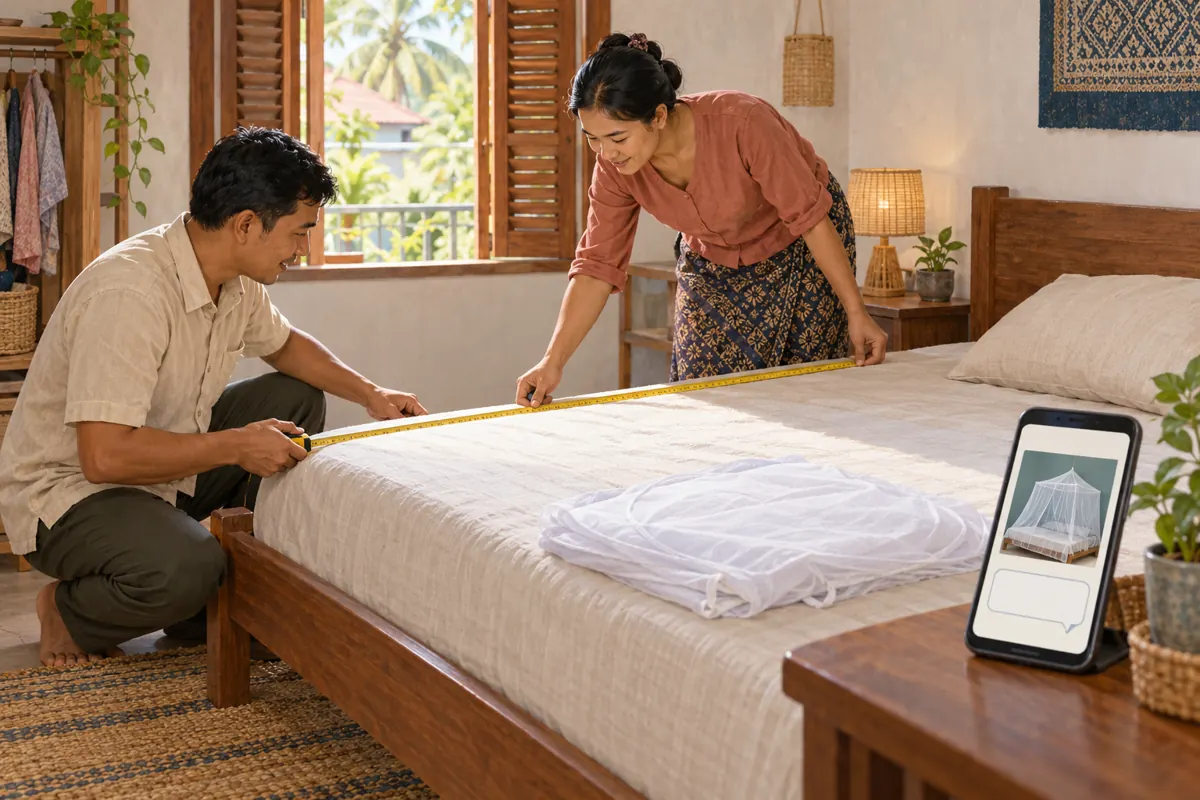
Improve the instruction beside the player. Name the model reference and measurement customers should send, with a short example clearly labelled as an example. Review subsequent genuine questions to see what remains unclear. Do not assume incomplete messages mean the video needs more views.
Explore the current service catalogue, create an account, or ask a specific question through support tickets.
- YouTube Help: Embed videos and playlists
- YouTube Help: Change video privacy settings
- Google for Developers: YouTube Player API Reference for iframe Embeds
- YouTube Help: Fake engagement policy
Prepared with AI assistance. Illustrations explain the workflow and do not represent customer results.